
For SaaS founders who built with AI
Vibe coding UI with 23 button styles?Make it look like one product.
Vibe coding UI drifts one prompt at a time. Score your vibe coded app on 10 signals in 10 minutes, put every screen on one system like Uber or Atlassian, and look like a company buyers trust.
Get the 10-signal audit
Trusted by SaaS teams that ship fast

Cluma has worked with many startups and companies from the U.S., across Europe, to Japan, including teams funded by Microsoft. Out of those engagements came solutions pitched to big companies such as Netflix, and enterprise interfaces delivered to and used by brands such as the U.S. government, Chipotle, Barnes & Noble and Siemens Energy.












What buyers see
Purple button here, blue button there. Your app looks AI-coded.
Buyers judge on looks first. In a classic Stanford study of 2,684 people judging real websites, visual design came up in 46.1% of their comments, more than any other factor (Fogg et al., 2002). The fix funded teams hire for is design consistency through a design system: one set of colors, type and components that every screen is built from. In our analysis of 376 startup design job postings, 42% were hiring for exactly that (Cluma, 2026).
Check my 10 signals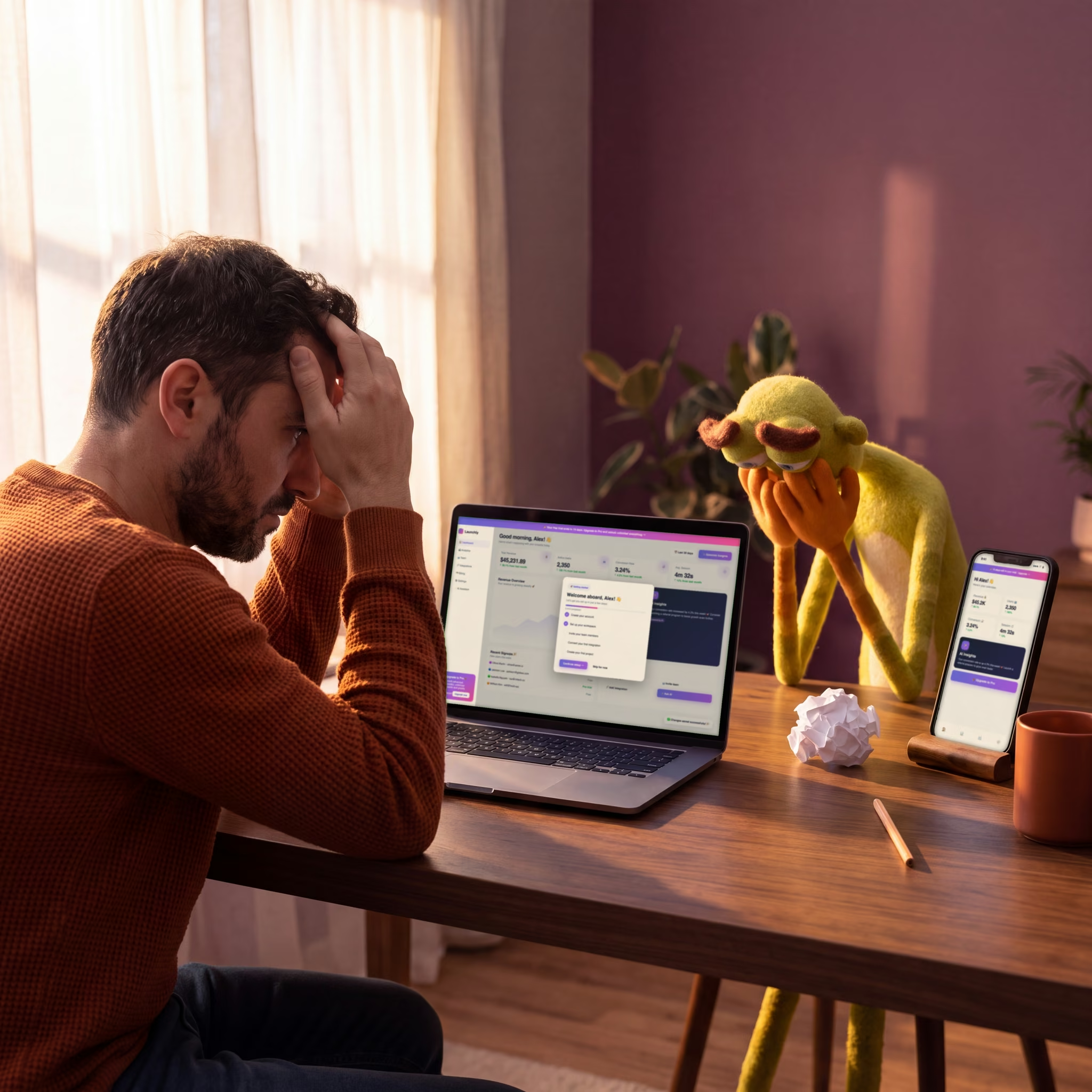
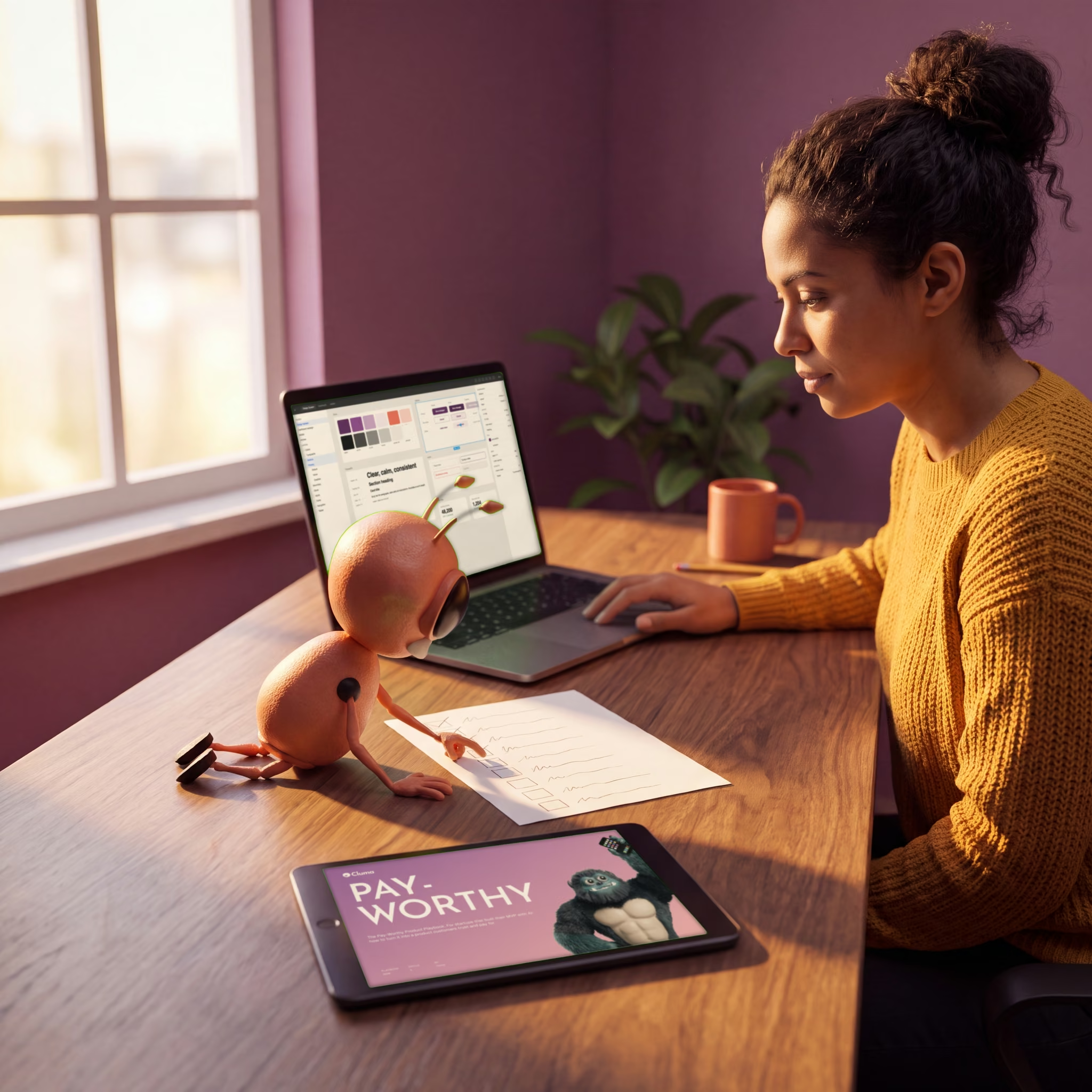
What's inside
10 signals that say your app looks like every other app, and how to fix them.
Paste one UX audit prompt into Claude Code or Cursor. It checks seven of the 10 signals, from stray colors to duplicate modals, and changes no code. Score each signal 0 to 2. At 15 or less, your screens are drifting apart (pp. 4 to 5). Then merge it all into one AI design system of tokens and components (p. 6) and a rules file your AI tools follow (p. 8).
Get the audit promptHow Atlassian made its AI agents 34% faster with one component library
What Uber, Headspace and Atlassian got from one shared system

3X faster builds


Ships 30% faster


34% faster AI work

Free playbook + audit prompt
Make 200 screens look like a product sign-ups can trust.
Download the free PDF, paste the audit prompt into Claude Code or Cursor at the root of your repo, and get your score on 10 signals. It changes no code.
7 vibe coding UI questions founders ask before they run the audit
Straight answers on time, code, cost and who it's for.
One prompt checks the first seven signals and returns a table for each. You score the last three yourself by looking at your Figma file, your AI rules and last sprint's UI-fix tickets.
No. The prompt ends with "Do not change any code" and only reports what it finds. You decide what to fix after you see your score.
Yes, as long as the product runs. Export the project to GitHub, then run the prompt in Claude Code or Cursor. The rules file covers Cursor, Lovable and Claude Code, so your Cursor UI and Claude Code design stay on one system.
Yes. Each signal is a plain check, like fewer than 8 font sizes or one button component, scored 0, 1 or 2. At 16 or more your product is consistent; at 15 or less your screens are drifting apart.
Yes. The PDF costs nothing and asks for no card. You also get short emails from Cluma on design for AI-built products, and you can unsubscribe anytime.
The playbook opens on the next page and a copy goes to your inbox. Run the prompt, add up your score, and you know which screens to put on one system first.
Give Lovable one set of colors, type, spacing and components, and ask it to build every screen from them. The playbook shows how to pull that set from your product, so your Lovable UI stops changing with each prompt.